
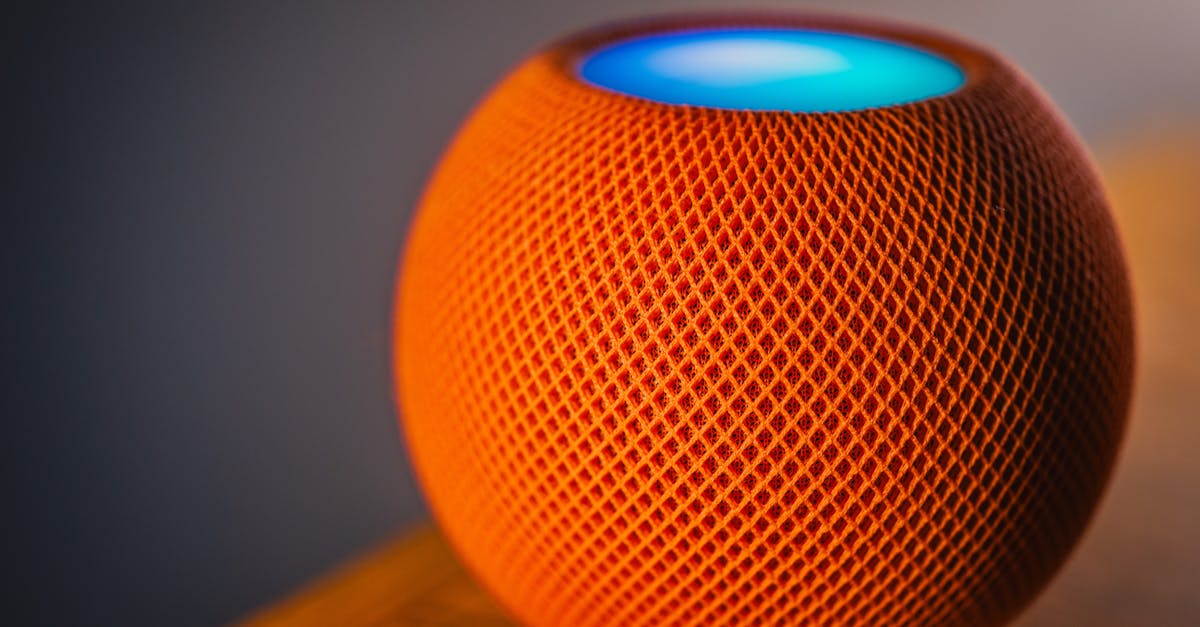
The Pixel 9 and iPhone 16 decision is about ecosystems, not specs — and the same logic applies here. Google Home versus Amazon Echo isn’t a contest between two speakers; it’s a question of which ecosystem you already inhabit. Own a Pixel and store photos in Google Photos? That’s your answer. Ring cameras and a Prime membership? Same thing.
Quick verdict:
- Google Home (4th gen) is best for users already inside the Google ecosystem who value broader language support and simpler privacy defaults
- Amazon Echo (4th gen) is best for Amazon Prime subscribers with Ring devices or Sonos speakers who want native integration without third-party bridges
At a glance
| Feature | Google Home (4th gen) | Amazon Echo (4th gen) |
|---|---|---|
| Typical street price | Around $75–$89 | Around $69–$85 |
| Voice assistant | Google Assistant | Alexa |
| Audio hardware | Dual drivers, dedicated subwoofer | Dual stereo speakers, bass radiator |
| Smart home protocols | Matter, Thread | Matter, Zigbee |
| Language support | Broad multilingual support | More limited language range |
| Voice data retention (default) | Auto-delete available | User must enable deletion |
| Best for | Google/Nest ecosystem users | Amazon Prime/Ring users |
| Biggest weakness | Poor Amazon integration | Weaker conversational queries |
Google Home (4th gen) — best for Google ecosystem users
Google Home makes sense if Google services run your digital life. It pulls in YouTube Music, Google Photos, Google Calendar, and Gmail without configuration. Ask it to surface photos from last summer, and it queries your Google Photos library by voice. Calendar checks, YouTube casting to your TV, reminders that sync to your phone — all native, no third-party skills required.
The voice assistant handles conversational queries more naturally than Alexa. “Play that song from the coffee shop playlist” tends to work where the equivalent Alexa phrasing fails. Google Assistant also demonstrates stronger performance with non-native English speakers and varied accents, a pattern that shows up consistently in user reports from multilingual households.
Sound quality leans bass-forward thanks to the dedicated subwoofer. Low-end response is punchier than the Echo, but this is still a smart speaker, not a hi-fi system. Adequate for podcasts and background music; serious listeners should pair a dedicated speaker via Bluetooth.
Privacy controls default to auto-delete — Google’s account settings let you configure voice recording retention with deletion timelines built into the UI. Manual deletion is straightforward compared to Alexa’s approach.
Strengths:
- Native Google ecosystem integration (Photos, Calendar, YouTube Music, Gmail)
- Stronger natural language understanding and broader multilingual support with fast language switching
- Simpler privacy defaults — auto-delete options are surfaced clearly in account settings
Weaknesses:
- No meaningful Amazon integration — voice shopping and Prime order tracking require workarounds
- Ring cameras and Sonos speakers need third-party bridges or manual configuration
- Ecosystem lock-in — migrating to another assistant later means rebuilding all routines and device links
Best for: Daily users of Google services (Gmail, Google Photos, YouTube), owners of other Nest products (thermostats, cameras, doorbells), or multilingual households where language switching between family members matters.
Amazon Echo (4th gen) — best for Amazon Prime subscribers

The Echo makes sense if Amazon Prime anchors your household. Voice shopping draws from your Amazon order history, Prime Music plays natively, and Alexa integrates with Ring devices and doorbells without extra apps. “Alexa, show me the front door” works immediately if you have a Ring Video Doorbell — no bridge, no secondary pairing process.
Alexa’s core strength is smart home device breadth. It works with more third-party devices out of the box, especially older devices that predate the Matter standard. The skill library is massive — if a consumer smart home device exists, an Alexa skill probably exists for it. Commands work best when kept short and imperative: “turn off the lights” beats “can you turn off the lights in the living room?”
Sound quality is more balanced than Google Home but quieter overall. The dual stereo configuration handles mids and highs cleanly; bass is present but not emphatic. Again, this isn’t a speaker you buy for music fidelity — it’s a voice assistant that also plays audio.
Privacy settings require manual configuration — voice data retention is indefinite by default, and you must actively enable auto-delete in Alexa’s settings. The controls exist, but they’re opt-in rather than surfaced as defaults.
Strengths:
- Native Amazon Prime integration (music, video, shopping, order tracking without third-party skills)
- Broader smart home device compatibility, especially with Ring and Sonos
- Extensive skill library for third-party automations and niche device control
Weaknesses:
- Voice data retention is indefinite by default — auto-delete must be manually enabled in settings
- Weaker at parsing conversational queries and handling varied accents compared to Google Assistant
- More limited language support, and switching between languages is slower than Google Home
Best for: Amazon Prime subscribers who already own Ring security devices, shop Amazon frequently, or have Sonos speakers they want to control by voice without additional hubs.
Side-by-side: Voice assistant capabilities
Alexa versus Google Assistant comes down to how you phrase requests. Google Assistant parses complex, conversational queries more reliably. Ask it “what’s the weather like tomorrow morning around 9 a.m.?” and it handles the multi-part question without confusion. Alexa works best with short, command-style phrasing: “Alexa, weather tomorrow.”
User reports from smart home communities consistently note that Google Assistant demonstrates a lower mishear rate with non-native speakers and regional accents. Alexa’s error rate climbs when there’s background noise or when you phrase commands as questions instead of statements.
On the automation side, Alexa has deeper third-party integration. If you want to control niche smart home devices or construct complex routines involving multiple services, Alexa’s skill library offers more options. Google’s automation tools are simpler to configure but less flexible for edge cases and uncommon device combinations.
Neither is objectively better — it depends on whether you value conversational flexibility (Google) or breadth of third-party integrations (Alexa).
Side-by-side: Smart home compatibility and Matter adoption

Both speakers support Matter and Thread, the industry-standard protocols meant to eliminate smart home ecosystem lock-in. In theory, any Matter-certified device should work with either Google Home or Amazon Echo without proprietary hubs or workarounds.
In practice, Matter adoption among mass-market devices is still uneven. Many popular smart home products — especially those released before 2025 — still rely on proprietary protocols (Zigbee, Z-Wave, or brand-specific systems). This means ecosystem compatibility still matters for most buyers, even with Matter in the picture.
Google Home works natively with Philips Hue, LIFX, Nanoleaf, and Kasa smart plugs. Setup is fast — link your account in the Google Home app, and devices appear automatically. Controlling individual bulbs by voice (“turn off the lamp in the bedroom”) works without extra hardware or bridge devices.
It struggles with Ring and Sonos. Ring cameras require third-party integrations (IFTTT or separate hubs), and Sonos speaker control is clunkier compared to Alexa’s native support.
Amazon Echo works natively with Ring (Amazon owns the company) and Sonos. “Alexa, arm the front door camera” is a single command if you own Ring hardware. Sonos pairing happens cleanly through the Alexa app without additional configuration.
It’s weaker with Philips Hue — you need the Hue Bridge, and direct voice control of individual bulbs isn’t as smooth as Google’s implementation. Recent firmware updates have improved compatibility, but it’s still not as clean as Google Home’s handling.
If you already own smart home devices, check which assistant supports them without extra steps. That compatibility gap is often the tiebreaker, especially for devices purchased before Matter became widespread.
For more on smart home camera ecosystems and which integrate best with each assistant, see ring vs nest vs arlo.
Total ecosystem cost beyond the speaker price
The upfront cost of a Google Home or Amazon Echo is similar — both hover around $70–$90 depending on sales. But the real cost is the ecosystem you build around it.
For Google Home, native integration with Nest cameras and doorbells works seamlessly, but Nest hardware is expensive. A Nest Cam (wired) runs around $180, and a Nest Doorbell (battery) costs roughly $180 as well. If you want 24/7 video recording, you’ll need a Nest Aware subscription. Nest smart thermostats add another cost layer if you want full home automation.
For Amazon Echo, Ring cameras and doorbells are cheaper than Nest equivalents. A Ring Indoor Cam costs around $60, and the Ring Video Doorbell starts around $100. Ring Protect subscription plans are required for video history and advanced features. If you already subscribe to Amazon Prime, you’re partway into the ecosystem without additional subscription costs for music or video content.
Power consumption is negligible for both — smart speakers draw minimal electricity when idle. The larger cost comes from the companion devices (cameras, doorbells, smart displays) you add to make the ecosystem useful.
Bottom line: If you’re starting from scratch, estimate the cost of the full ecosystem you’ll actually use, not just the speaker. A $75 speaker becomes a $400+ investment once you add cameras, doorbells, and subscriptions.
Privacy and data retention
Both systems collect voice recordings by default — neither is “private” by design. The difference is how easy they make deletion and retention control.
Google Home surfaces privacy controls prominently. Google account settings include auto-delete options for voice recordings, and you can configure retention timelines directly in the interface. Manual deletion is straightforward — you can delete individual recordings or wipe everything with a few taps.
Amazon Echo retains voice recordings indefinitely unless you manually enable auto-delete in Alexa’s privacy settings. The controls exist, but they’re buried deeper in the app and default to indefinite retention. Manual deletion is possible but requires navigating to Alexa Privacy settings rather than being surfaced in the main interface.
Both companies state they use voice data to improve their services. FTC consumer guidance recommends reviewing privacy settings on any voice assistant and enabling auto-delete if you want to limit data retention. Neither system operates without collecting voice data — the assistant has to hear you to function — but the defaults differ.
If privacy settings matter to you, Google Home has simpler defaults. If you’re comfortable managing settings manually, both can be configured to auto-delete voice recordings.
How we compared these
This comparison is based on official product specifications from Google Store and Amazon Echo product pages, privacy policies from Google account settings, and Matter protocol documentation. Smart home compatibility claims are verified against device manufacturer support lists and user setup reports from r/smarthome, r/googlehome, and r/amazonalexa.
We did not conduct in-house audio testing. Sound quality observations are based on published reviews and user-reported listening experiences. Pricing reflects typical retail availability as of mid-2026 but fluctuates with sales and promotions — check current prices before purchasing.
FAQ
Can Google Home control Alexa devices (or vice versa)?
No. They’re separate ecosystems with no native cross-compatibility. You could bridge them with a third-party home automation hub like Home Assistant or Hubitat, but that adds setup complexity and ongoing maintenance most buyers don’t want.
Which is better for privacy?
Google Home has easier privacy defaults. Auto-delete options are surfaced in account settings, and manual deletion is straightforward. Alexa retains voice recordings indefinitely unless you enable auto-delete, which requires navigating to privacy settings manually. Both collect voice data by design — neither is “private” — but Google’s defaults require less configuration to limit retention.
Do I need both?
Most households don’t. Running both creates conflicts when multiple devices respond to similar wake words, and you’ll duplicate setup work across two ecosystems. Pick one based on which services you already use and commit to it.
Which has better sound quality?
Google Home has punchier bass due to its dedicated subwoofer. Echo is more balanced but quieter overall. For serious music listening, pair a dedicated Bluetooth speaker with whichever assistant you choose. These speakers are adequate for podcasts and casual listening, not critical audio playback.
Can I switch ecosystems later?
Yes, but expect friction. Routines, device preferences, and custom voice commands don’t export between systems. Migrating from Google to Alexa (or vice versa) means reconfiguring every automation and re-pairing every smart home device. Budget time for the transition, and consider whether any of your current devices are ecosystem-locked (Ring only works smoothly with Alexa, Nest only with Google).
Which smart speaker is best overall?
There’s no universal best — it depends on your existing ecosystem. Google Home is best for users already inside Google services (Gmail, Photos, YouTube) and multilingual households. Echo is best for Amazon Prime subscribers and Ring camera owners. If you’re starting from scratch, ask: “Do I shop Amazon Prime regularly?” and “Which phone OS do I use?” That usually resolves the decision.
Affiliate disclosure: We earn commissions from purchases made through links in this article. These commissions do not influence our recommendations — we call out weaknesses for every option and recommend based on specific buyer fit, not margin.
For most buyers, the right choice is whichever assistant fits the ecosystem you already inhabit. Pixel phone and Google Photos? Buy Google Home. Ring cameras and Amazon Prime? Buy the Echo. Both cost roughly the same, both work well within their respective ecosystems, and neither is a mistake if you match it to your existing setup.
If you’re building a broader smart home system and considering thermostats, see more on nest vs ecobee: which smart thermostat fits your home in 2025 for how those devices fit into these ecosystems.